Thinkware/INAVI FX990 2K - Unable to view videos, and no files listed on SD card

I can't seem to find any documentation on this particular model of Thinkware.
The camera is front and back, and is clearly from Korea, as it says "INAVI" on the front in Korean. It has a manufacture date of 2016 September.
I'm having trouble playing the videos on my new computer. When I mount the Micro SD card, it shows the following:
"SETTING" (Folder)
"System Volume Information" (Folder)
"FormatFreeExplorer.exe" (Executable)
"TATLIB.dll"
When I run the exe using WineHQ on Ubuntu 20.04, it doesn't load any videos, and all the labels are question marks.
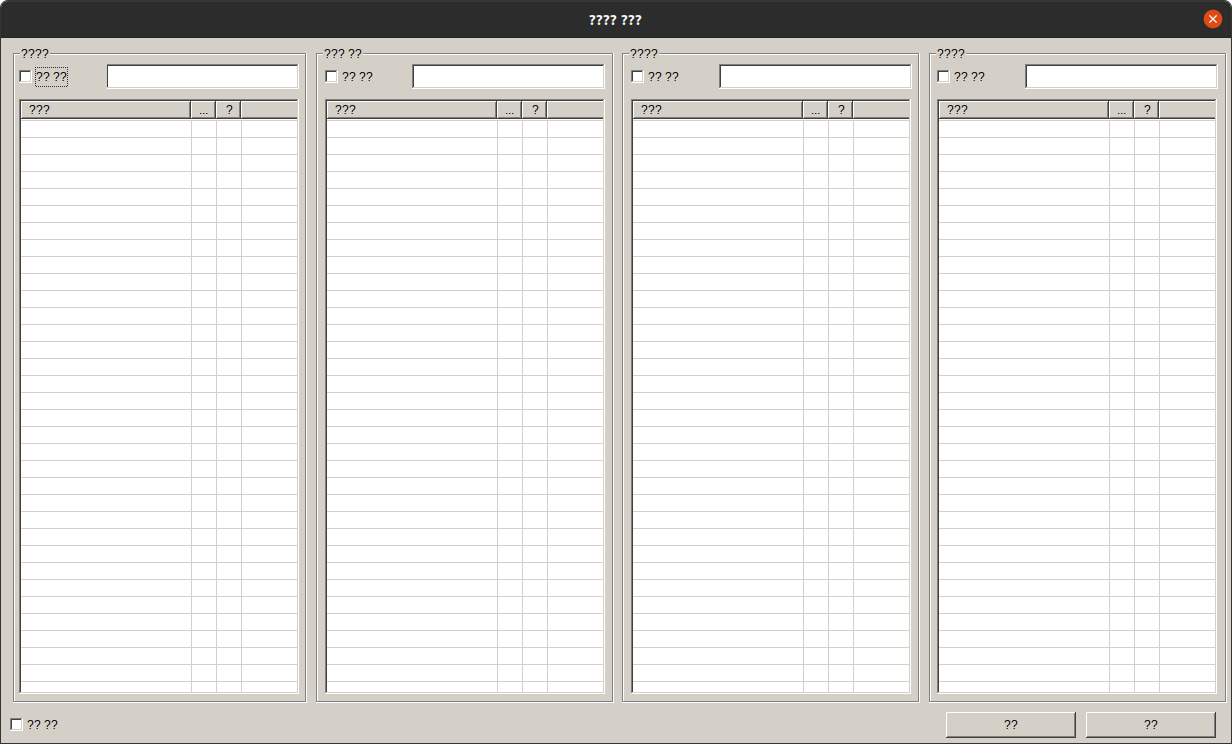
This used to work on my older computer, but it's not at my house.
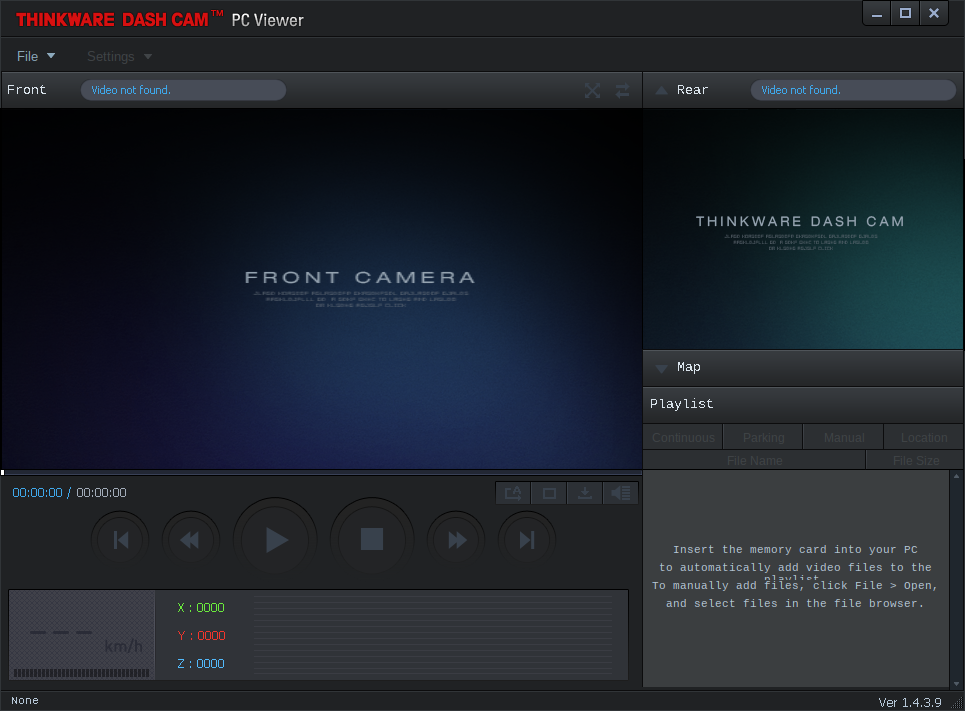
This is a screenshot of the newer software, which I downloaded:
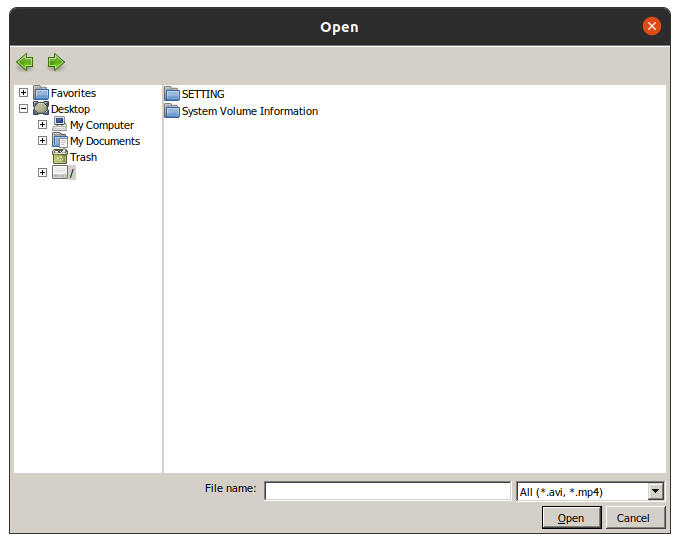
When I navigate to open the file, I don't see any files listed on the SD card:
If I need to do this on a Windows machine, I have an old laptop, but that is less than ideal since it's slow.
Also, are the videos hidden on file explorer? The SD card looks empty, but I know there are files on there.
Thank you,
Tony
Comments
2 comments
Hello There, unfortunately, this is a Korean exclusive model, not supported by us in North America.
We advise trying to use a different memory card and check if the issue will continue.
Feel free to reach out to our Support Team at support@thinkware.com or +1-844-865-9273.
لدي شاشة من نوع iNavi ST100 اريد الملفات
Please sign in to leave a comment.