This article helps you identify your THINKWARE dash cam using its printed model name and the photos below.
Use the model name on the main unit to make the final identification. The photos below are visual references; a similar shape, lens, mount, or cable does not confirm the exact model.
Jump to:
1. Read the model name on your dash cam
3. Use the correct guide after identifying the model
Read the model name on your dash cam
1. Check the model name printed on the front dash cam main unit. Read the complete name, including PRO, Plus, LOCK, or a regional suffix when present.
2. If the windshield mount covers the marking, detach the dash cam from its mount to read it, following the removal instructions for your model.
The photograph shows the U3000 PRO model-name marking on the mount-facing side of the main unit. It is a location example for this model, not a label-position diagram for every model below.
3. Compare the complete printed name with the catalogue below. Keep regional and OEM names as printed; do not replace them with a similar-looking THINKWARE model name.
Note: The model name identifies the camera model. A serial number, an LTE module ICCID, and the model name are different identifiers. Use the model name when choosing a camera in the catalogue.
Browse the model catalogue
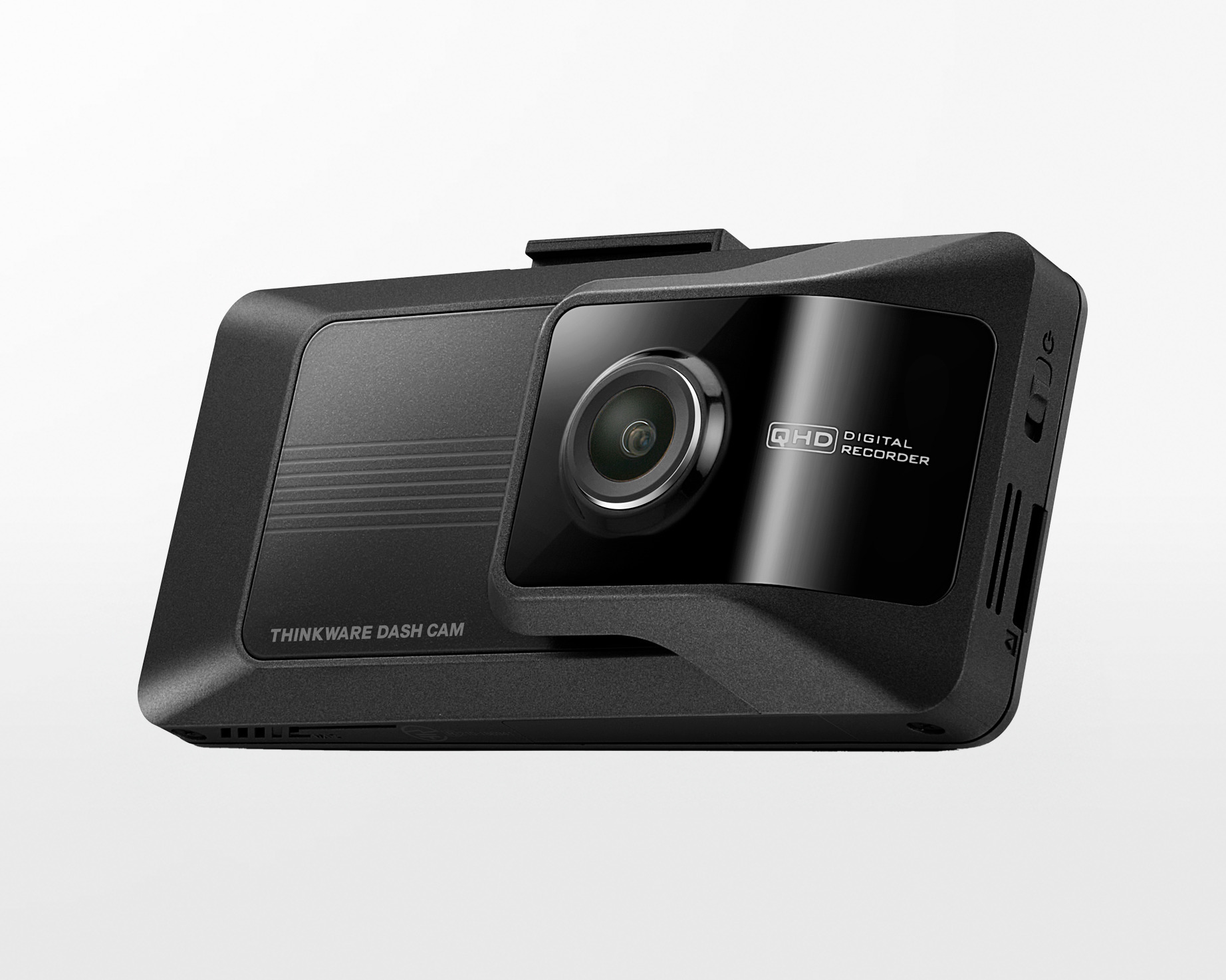
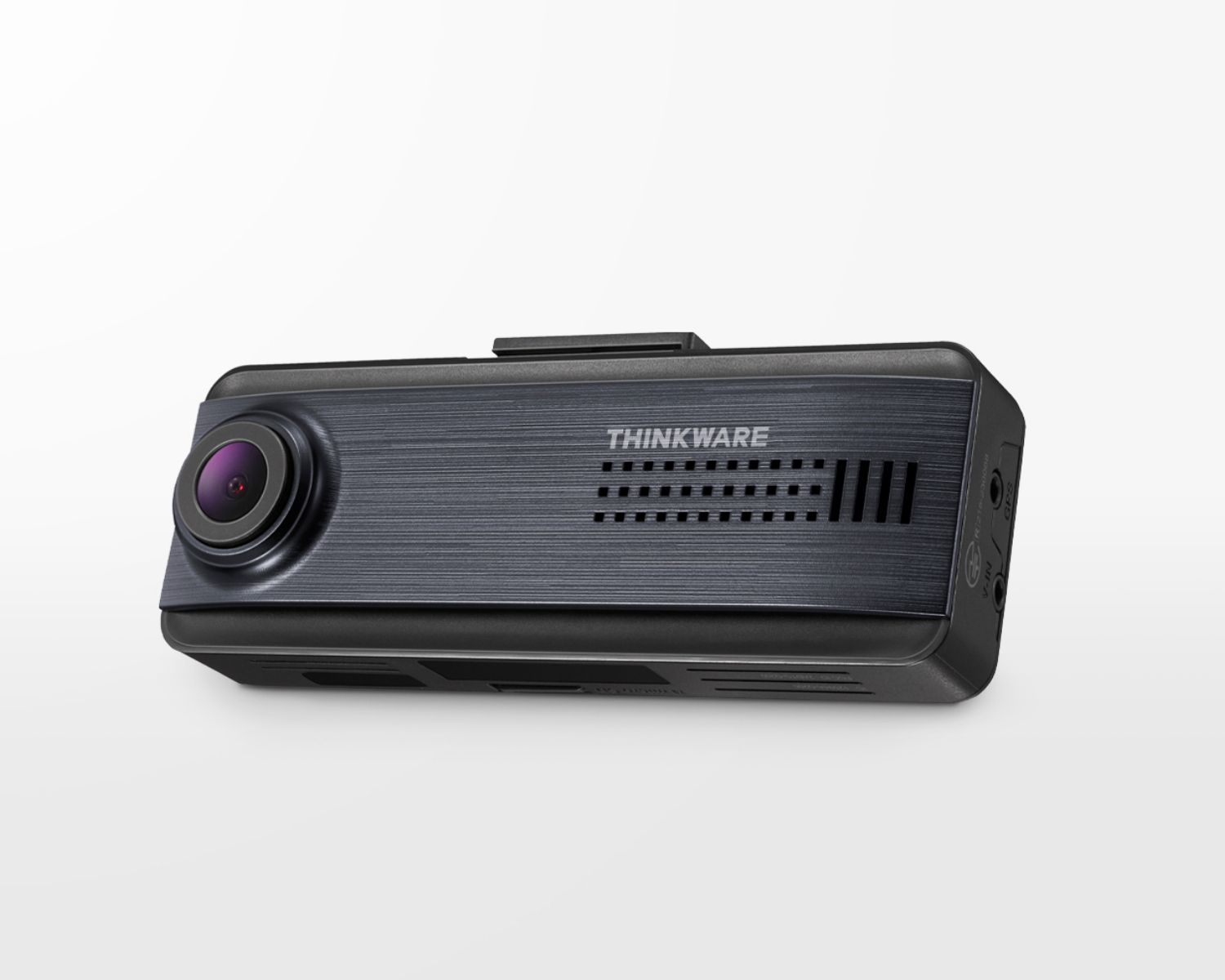
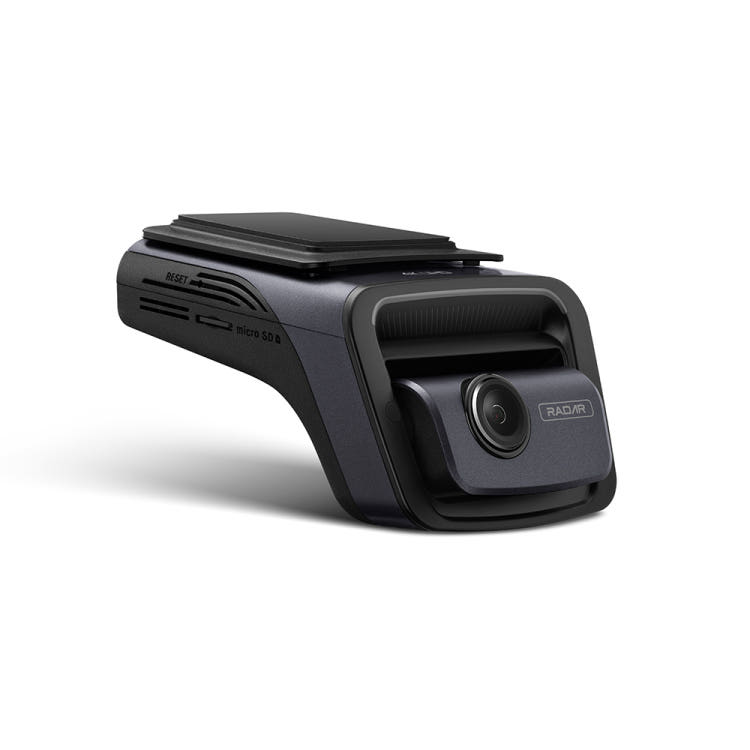
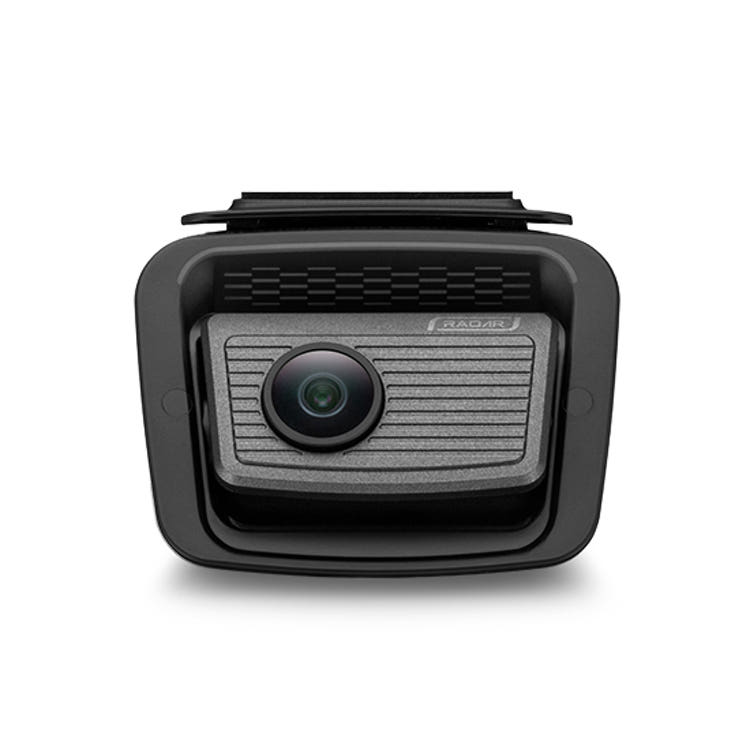
The photos below are grouped by dash cam series. Model availability and support vary by country, and some models are not included.
Note: Use these photos as visual references only. Confirm the complete model name printed on your dash cam, including any PRO, Plus, LOCK, regional, or OEM suffix. Similar-looking models may use different firmware, apps, or accessories.
U Series
Caution: U3000 PRO and U3000 are different models. U1000 PRO, U1000 Plus, and U1000 are also different models. Check the complete model name printed on your dash cam before choosing firmware, an app, or accessories. A 4K marking alone does not identify the model.
|
U3000 PRO
|
U3000
|
|
U1000 PRO
|
U1000 Plus
|
|
U1000
|
|


Q Series
|
Q1000
|
Q850 PRO
|
|
Q850
|
Q800 PRO
|
|
QN300
|
Q200 PRO
|
|
QA200 PRO
|
Q200
|
|
QA200
|
QN200
|
|
QA100
|
|




ARC Series
|
ARC900
|
ARC800
|
|
ARC700
|
ARC
|


X Series
Caution: X350 and X330 have similar-looking bodies. Check the complete model name printed on your dash cam before choosing firmware, an app, or accessories.
|
X1000
|
X850
|
|
X800
|
X700
|
|
X550
|
X500
|
|
X350
|
X330
|
|
X300
|
X150
|


XD Series
|
XD350
|
XD250
|
|
XD200
|
XD100
|

F Series
Caution: F200, FA200, and F200 PRO are different models. F70, F70 PRO, and F70PRO LOCK are also different models. Check the complete model name, including any PRO or LOCK suffix, before choosing firmware, an app, or accessories.
|
F800 PRO
|
F800
|
|
F790
|
F770
|
|
F750
|
FA700
|
|
F550
|
F200 PRO
|
|
F200
|
FA200
|
|
F100
|
F70 PRO
|
|
F70PRO LOCK
|
F70
|
|
F50
|
FD20
|
|
FA10
|
FD10
|
|
FW10
|
|


T Series
|
T700
|
T700QT5ESI
|

H Series
|
H100
|
H50
|


Motorcycle cameras
|
M3
|
M1
|


Regional and OEM model names
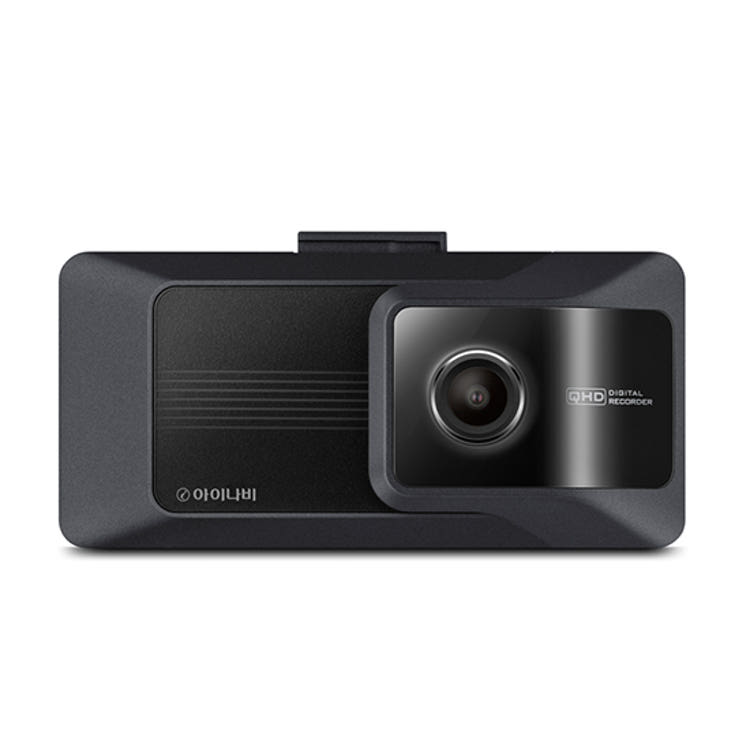
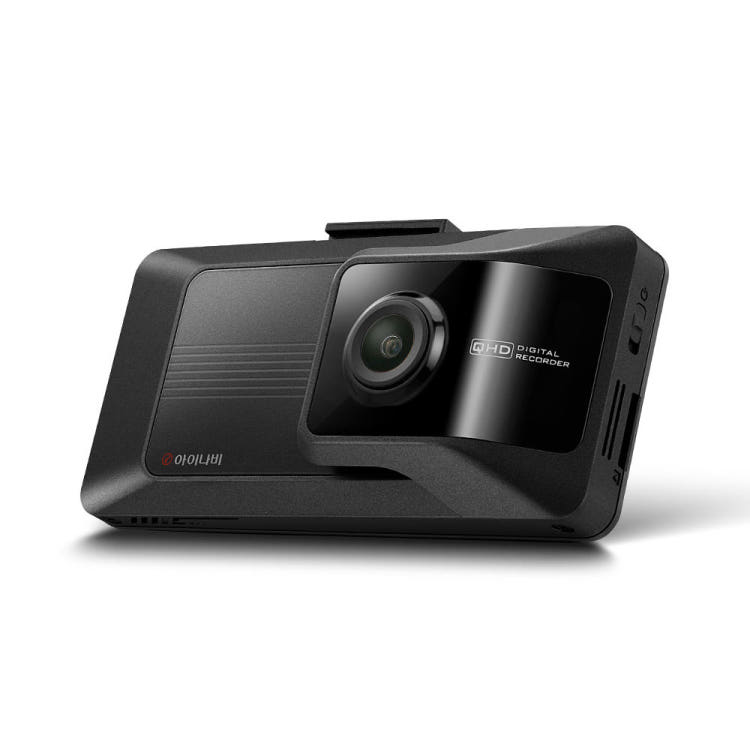
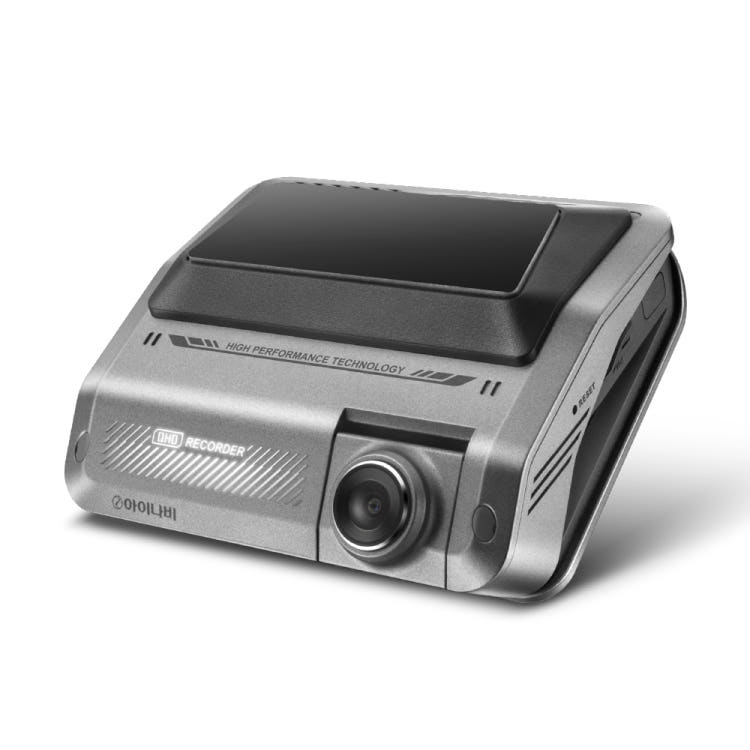
For an iNavi dash cam brought from Korea, contact THINKWARE support with its complete printed model name and a photo of the unit. We can help identify the model and guide you to the appropriate support information.
|
D4K64DM
|
D2K64DM
|
|
DC-M2-FG
|
DC-E1-FG
|
|
DC-H1-FG
|
DC-M1-FG
|
|
DC-U1-FG
|
QUANTUM3
|
|
QUANTUM4
|
QXD9900mini
|
|
QXD9000mini
|
QXD2
|
Use the correct guide after identifying the model
Choose your app using Which THINKWARE Mobile app do I use? Use the exact model name; a similar housing does not establish app support.
Before updating the camera, follow How to update your dash cam’s firmware for the method and firmware intended for your exact model and region.
If you cannot read the model name or cannot match your camera, contact THINKWARE support with a clear photo of the main unit and its printed model marking.
Need more help?
Contact the support team for your region by email or phone. We’ll respond to your email as quickly as we can.
North America (US/CA)
Email: support@thinkware.com
Phone: 1-844-865-9273
United Kingdom (UK)
Email: support.eu@thinkware.com
Phone: +44 (0) 333-121-0008
Europe (EU)
Email: support@thinkwarestore.com
Phone: +49 69 943 22200
Comments
0 comments
Article is closed for comments.